> ## Documentation Index
> Fetch the complete documentation index at: https://botpress-charmenta-pr-719.mintlify.site/llms.txt
> Use this file to discover all available pages before exploring further.
# User variables
User variables let you store and reuse information within the scope of **a single user**.
Any information you assign to a user variable will follow the user across multiple conversations with your bot. This makes user variables great for storing user-specific information, like:
* Personal details
* User preferences
* Notes from previous conversations
If you don't want your variable to follow the user between conversations, use a different [variable scope](/studio/concepts/variables/overview#variable-scopes).
Need help getting started with variables? Check out our [introduction to variables](/studio/concepts/variables/overview).
## Read a user variable
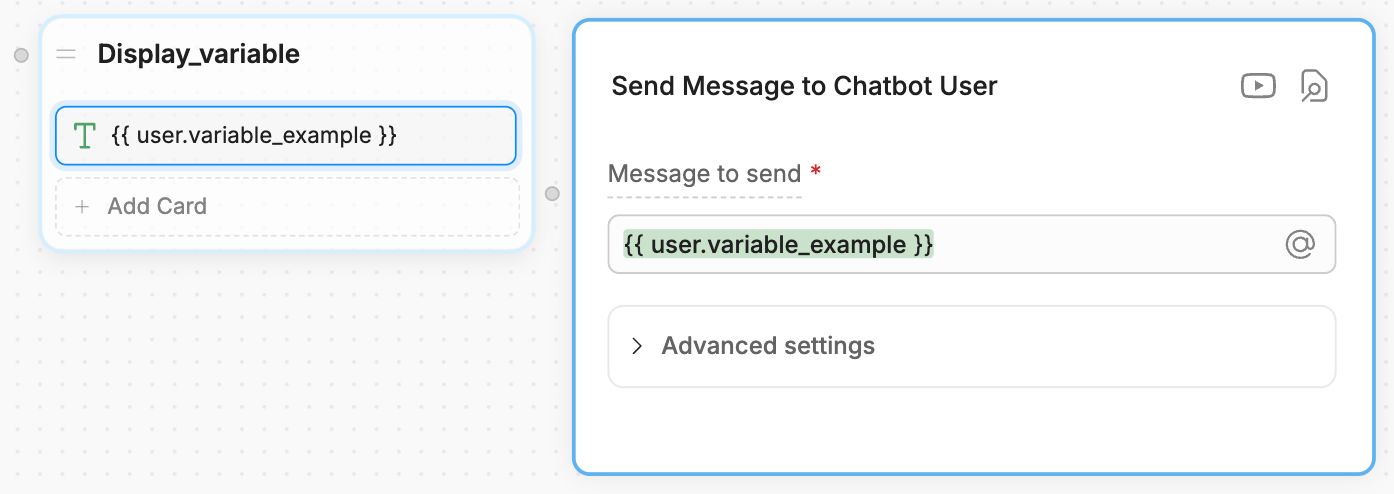
You can use `{{user.variablename}}` or `@user.variablename` to read a user variable. For example, in a **Text** Card: